Image Occlusion Cards
Image Occlusion creates flashcards that mask parts of an image.
Creating Cards
Right-click any Logseq block containing an image to open the Image Occlusion Editor:
By default, only the tested region is masked. This can be changed by enabling "Hide all, test one" in settings to mask all regions:

Testing two masked regions together
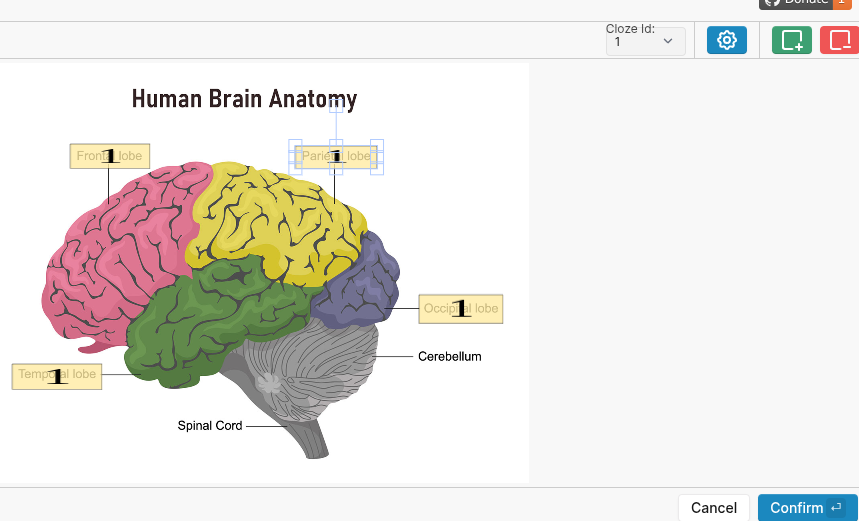
To test multiple regions together, assign them the same cloze ID:
FAQ
Where is occlusion data stored?
In the
occlusion block property as base64. Deleting this property removes the card.How do I hide the occlusion property in Logseq?
Enable the "Hide Occlusion Data" addon in plugin settings.
How do I hide the occlusion property in Logseq?
Enable the "Hide Occlusion Data" addon in plugin settings.
Tips
- Use
extra::to add mnemonics