Multiline Cards
Multiline cards allow you to include a list of blocks on the back of a card with parent block acting as the question.
Basic Multiline Card
The easiest way to make a multiline card is to add the #card tag to a block:
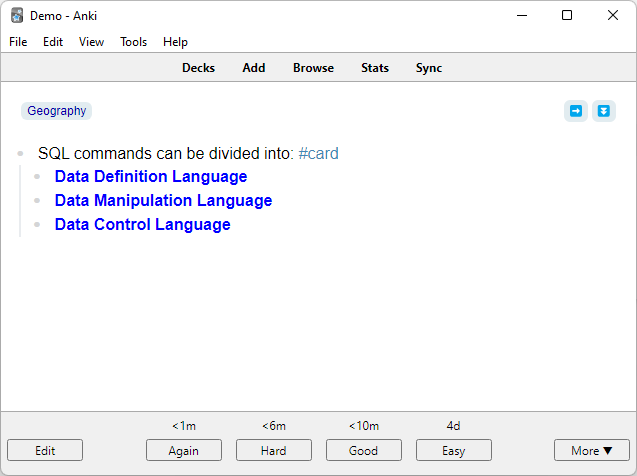
- SQL commands can be divided into: #card
- Data Definition Language
- Data Manipulation Language
- Data Control Language
This produces card with front side showing question and back side showing the children blocks.
| Front | Back |
|---|---|
 |  |
Incremental Cards
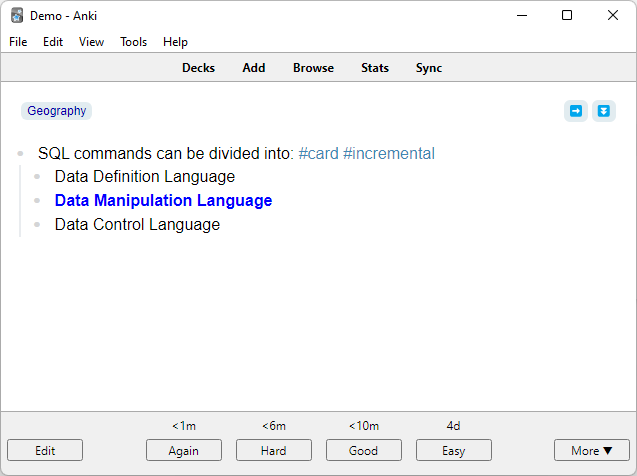
A multiline card can be marked as incremental by adding #incremental to multiline card block:
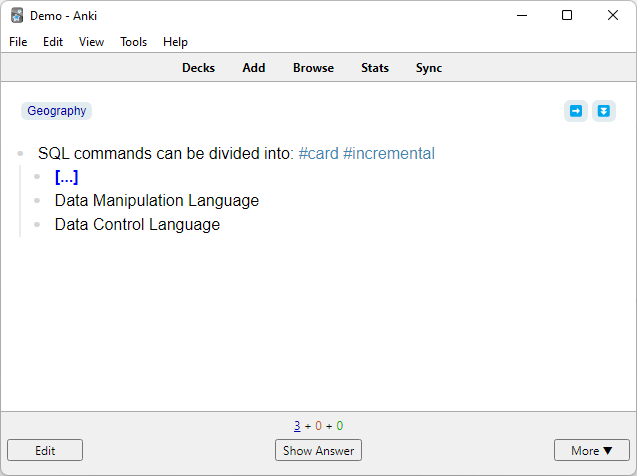
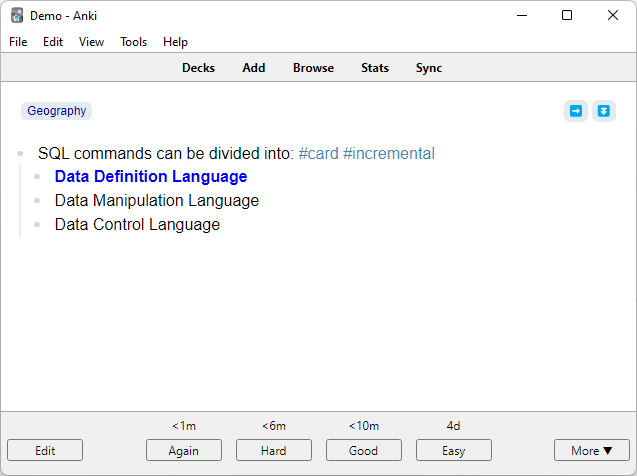
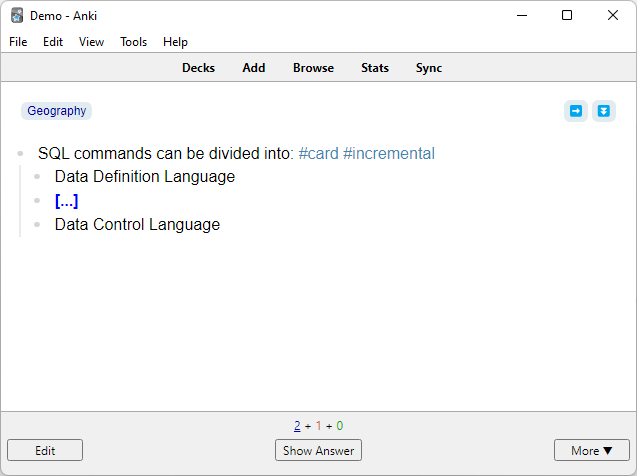
- SQL commands can be divided into: #card #incremental
- Data Definition Language
- Data Manipulation Language
- Data Control Language
This will make the plugin create separate cards for each of the children blocks:
| Front | Back |
|---|---|
 |  |
 |  |
| ... | ... |
Card Direction
Testing direction of multiline cards can be controlled using direction tags: #forward, #reversed, #bidirectional.
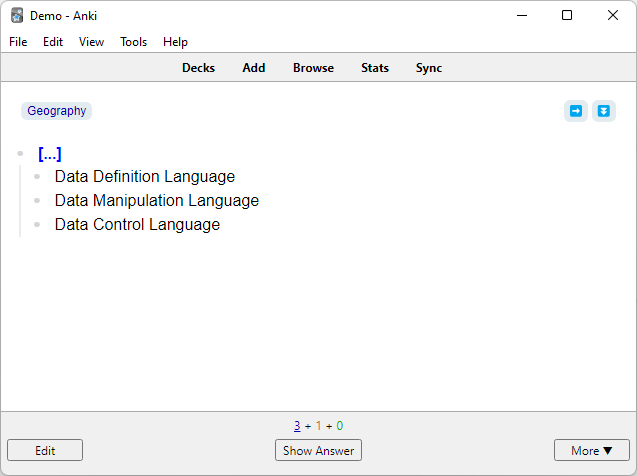
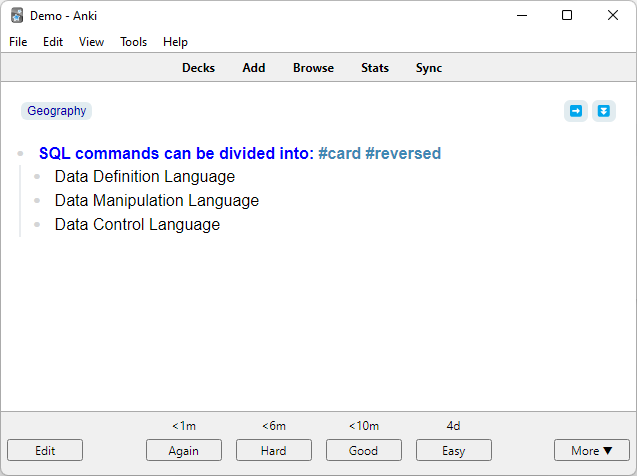
For example, when adding #reversed tag in a multiline card block, you'll see all the child blocks and be asked remember the parent block.
- SQL commands can be divided into: #card #reversed
- Data Definition Language
- Data Manipulation Language
- Data Control Language
| Front | Back |
|---|---|
 |  |
Tips
- Use
#flashcardto skip Logseq's native flashcard formatting - Use
direction::property with->,<-, or<->as an alternative to tags - Combine with
#depth-nto limit child block depth - Add
extra::for mnemonics (see Extra Details & Hints)